
 Posted by
 By Oretta Croushore, Property Manager for Home Rental Services
This age we live in offers us many resources that are right at our fingertips. A resource is only useful if you know it exists and what it has to offer you. (I like to find the easy button whenever possible.) I am also a “do it yourself” kind of girl. I would prefer to find the answers or initiate a process on my own. Admittedly, I will work ten times harder and longer to do it the easy way.
So today, I am going to let you know that the Home Rental Services Owner and Rental Portal exists!
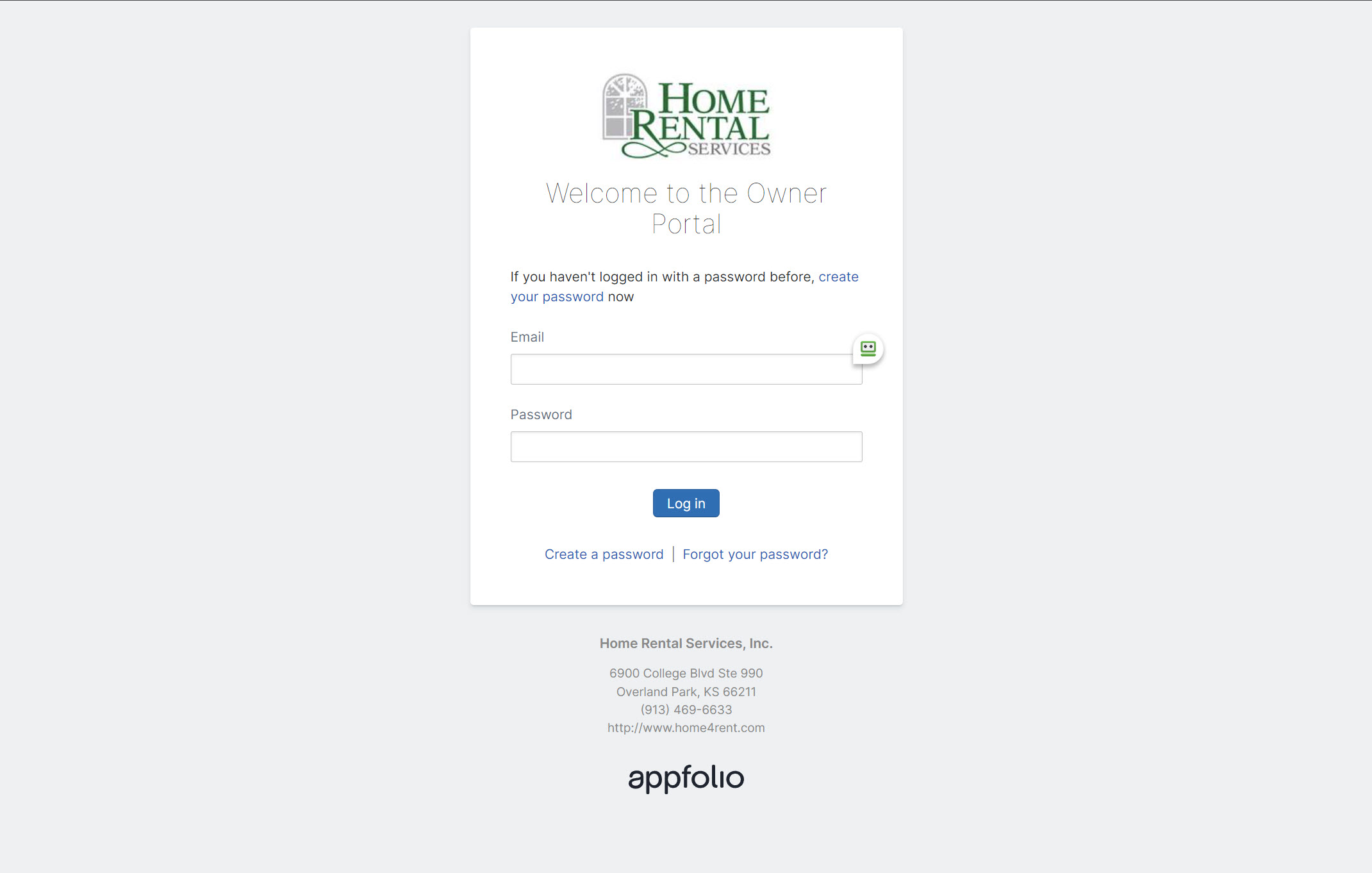
HRS Owner and Renter Portal
The property management software we use at HRS offers portals for both the renter and the owners. The owner portal allows us to upload documents which are shared with the owner. This is where you will find the lease, the management agreement, and the 1099 to name a few. The current statements are uploaded to the portal, but you can also find all statements there as well.
In addition, the transactions tab will show you a full history of all transactions, both your contributions and disbursements from the start of the management of your property.
Log into the Owner or Rental Portal here: Owner Portal | Rental Portal
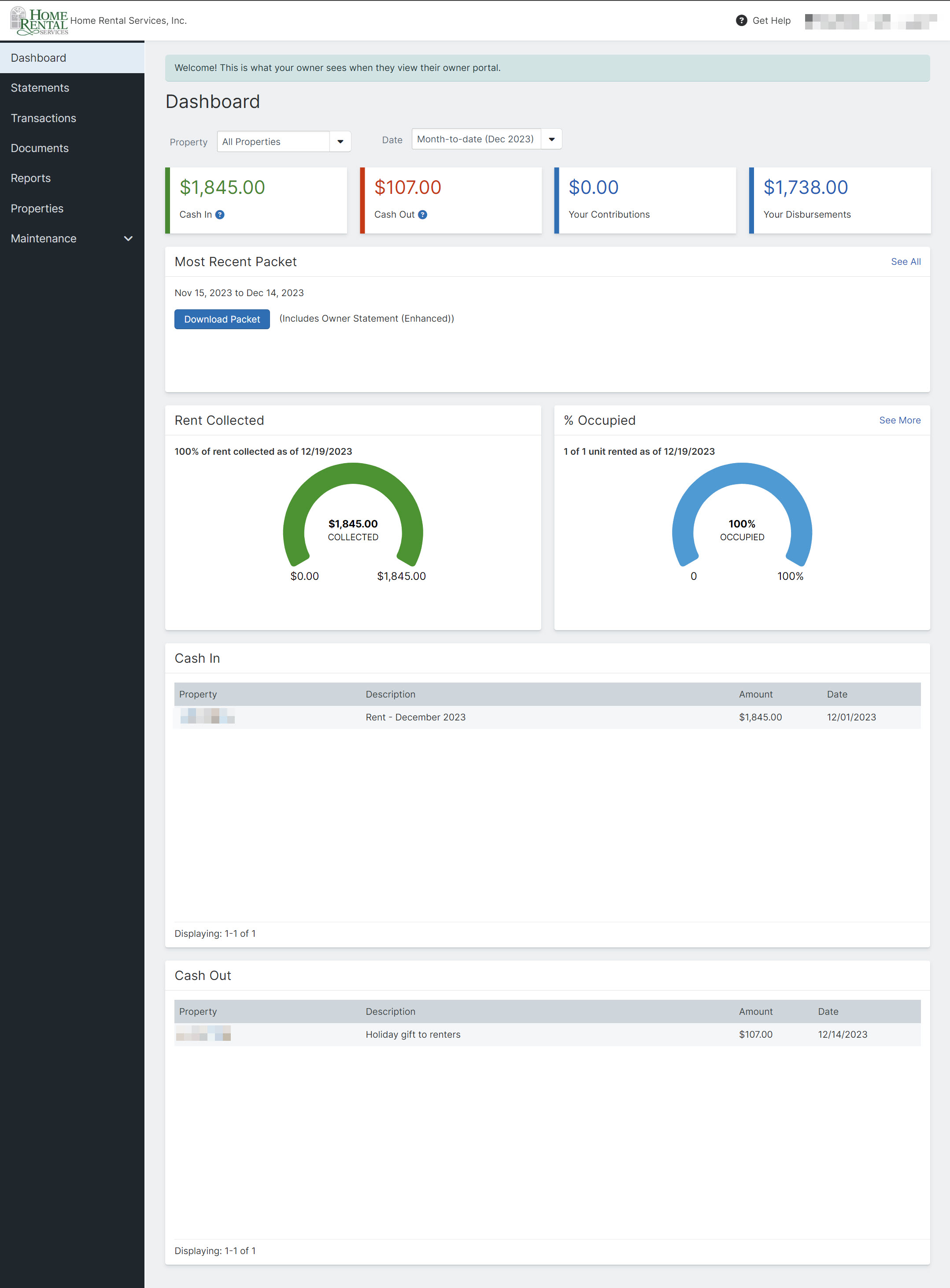
The Dashboard
The default view in the Owner Portal is set to show a snapshot of all properties month to date. You can adjust these to fit the specific picture you would like to see. You can see the cash in, cash out, your contributions, and your disbursements for the given time period. Your most recent owner packet is available here. You will see the amount of rent collected as of the current date, % of occupied units, as well as a break down of the cash in and cash out for each property.
It’s a great place to see a good overview of your portfolio or of a specific property.
Statements
I think people are most familiar with this area of the portal. You can download the packet to view your statement and any other reports generated for you monthly. At the end of the year, this is where you will also find the cash flow statement which breaks down income and expenses by property for the calendar year. This is the report your accountant wants the most.
Transactions
In addition to the transaction history I mentioned previously, there is a very useful feature in this section of the portal. This is where you can make a contribution to your account.
When you have a large expense such as a new HVAC or repair or when your owner statement shows “please remit balance due,” this is the most efficient way to contribute money to cover those expenses. Click on the “make a contribution” button and follow the prompts. An echeck is an ACH payment directly from the bank account you enter. There is no charge for this form of payment. If you prefer to use a card, you can enter that as prompted. The fee for the type of card will be indicated on the screen. Within moments of completing that contribution, the property managers receive an email letting us know you made a contribution. Those funds are available to distribute to our vendors usually within 24-48 business hours.
Compare that to the time frame of mailing a check to the office. The USPS takes an average of 10 business days for first class mail currently. Once that check arrives at our office, someone has to get it from the mail, make a special deposit into the bank, and manually record the payment into the owner ledger. Once deposited, the system will not release that money for 10 business days, to ensure it clears the bank. The reality is, it can take 3-4 weeks for us to be able to access a mailed payment. This can delay the start of jobs. In addition, it breaches the net 30 agreement for payment we have with our vendors.
Just as we strongly encourage renters to pay their rent through the portal to ensure timely and efficient payments, we encourage owners to make their contributions through the owner portal.
Documents
The lease agreements, management agreements, and 1099 forms are the most commonly found documents here. This keeps you from having to dig through your emails to find them or look for that “special place” you put them for safekeeping.
Reports
The reports tab is a new and exciting feature that has just rolled out recently on the owner portal. Appfolio has no shortage of reports we can run from our side. They have now opened several reports which owners can run on their own. I encourage you to go in and play around in this area if you have not yet done so.
The available reports are cash flow, delinquency, income statement, lease expiration detail, and rent roll. In addition, each report has an explanation next to it so you know what you can expect to get out of it. You will be able to choose specific parameters for each report including a date range and a detailed or summarized report. We are happy to help you navigate these reports if you are in need of assistance.
Properties
This will list all the properties under your ownership. You will see the rental status, move in date, lease end date, and rental amount. This is especially useful for the multi-property owner who is trying to keep track of multiple sets of information.
Log into the Owner or Rental Portal here: Owner Portal | Rental Portal
There are a few things the portal still cannot do. For now, an owner cannot update their personal information like address or phone number through the portal. You also cannot update the ACH account where your disbursements are distributed. For assistance with those things, please email propertymanagers@home4rent.com.
This portal is an awesome resource and puts a lot of information at your fingertips. If you find yourself confused, annoyed, daunted, or unable to find what you are looking for, the HRS staff is another great resource. We would love to empower you by helping you learn to navigate the portal better. Just give us a call!
 Home Rental Services Blog